Delta Airlines Receipt Generator
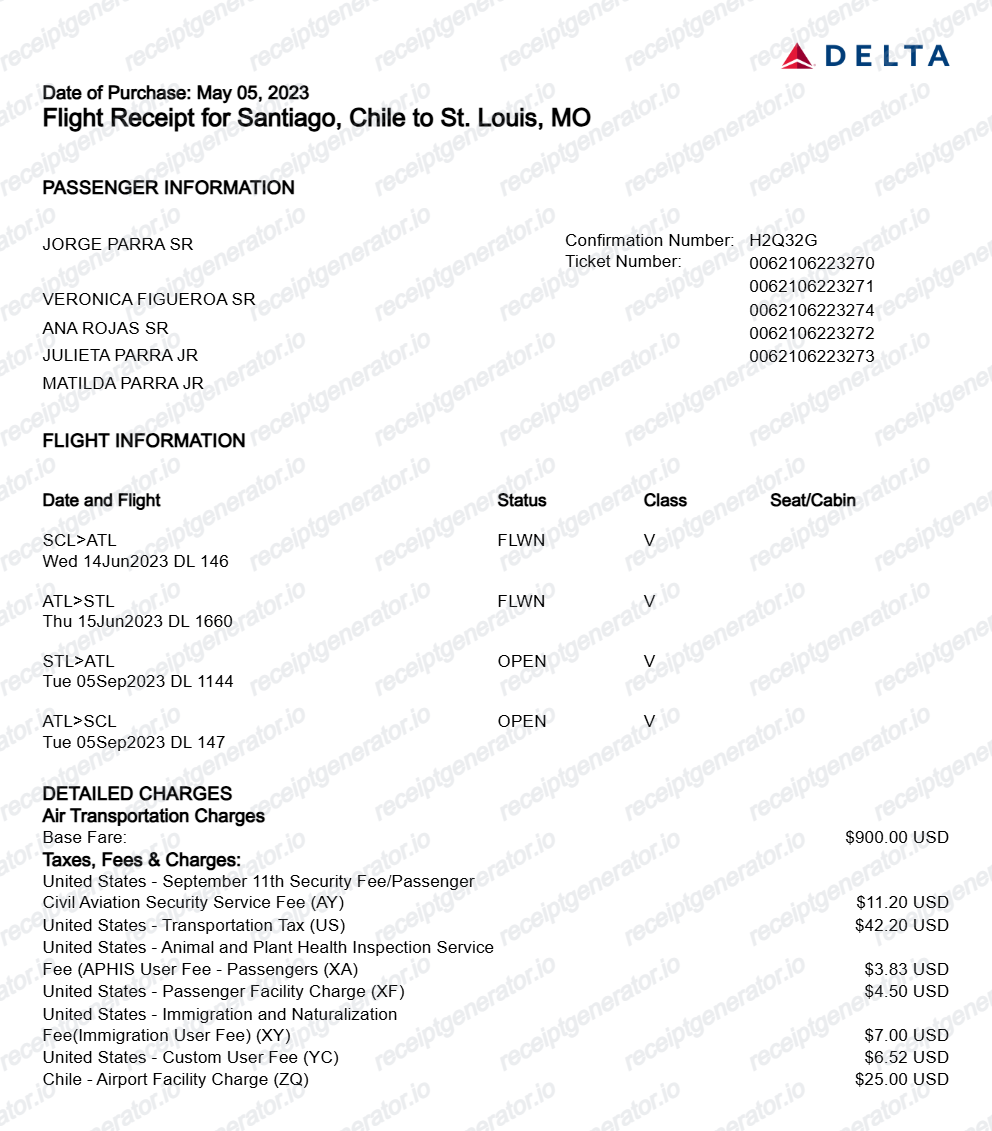
Create a Delta Airlines flight itinerary and receipt with booking reference, passenger info, flight details, fare breakdown, taxes, and SkyMiles earned. Preview live and export a PDF.
Create an editable Delta Airlines receipt with booking reference, ticket number, SkyMiles number, passenger info, flight itinerary, base fare, fees, taxes, and payment summary.

Choose
Delta Airlines Receipt selected

Customize
Fill in your details

Download
Save or share receipt
Edit the details once and the preview updates instantly.
Quick summary
Delta Airlines receipt template overview
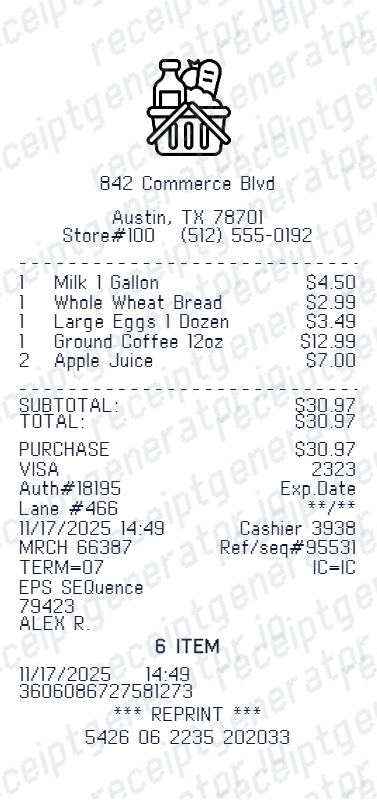
Use this Delta Airlines receipt generator to create authentic itemized receipts with editable products, tax calculations in $, and printable PDF export.
What Is on a Real Delta Airlines Receipt?
Delta issues several documents around a trip - a booking confirmation, an e-ticket receipt, and a post-flight receipt - each tied to the same confirmation number but showing different details.
Confirmation number / record locator
A 6-character alphanumeric confirmation number (record locator) identifies the reservation and is required, along with the passenger's last name, to look up trip receipts on delta.com or in the Fly Delta app.
Three receipt stages, not one document
Delta sends a booking confirmation right after purchase (itinerary and fare), a separate e-ticket receipt once the ticket is issued (with the ticket number and fare breakdown), and a post-flight receipt a few days after travel showing final charges and any adjustments.
SkyMiles number and miles earned
For SkyMiles members, the receipt shows the SkyMiles number and miles earned for the flight; members can also track current balance and account activity through My SkyMiles on delta.com or the Fly Delta app.
Fare breakdown separate from taxes and fees
The fare section itemizes base fare, government taxes, carrier-imposed fees, and any baggage or seat-selection charges as separate lines rather than one ticket price.
Available in the Fly Delta app under past trips
Logging into the Fly Delta app, opening My Trips, and switching to past trips shows the completed flight's receipt with a share option to email or save it - the same information shown on delta.com's trip receipts page.
Flight segment and fare basis details
Each segment lists the Delta flight number, origin and destination airports, departure and arrival times, cabin (Basic Economy, Main Cabin, Comfort+, First/Delta One), and the fare basis code.
Create a print-ready Delta Airlines receipt
Edit the layout, watch it update live, then print, download PDF, or email.
Live Delta Airlines receipt preview
Watch the Delta Airlines receipt update in real time as you edit item rows, prices, and tax totals.
Print-ready PDF export
Download a clean, high-resolution Delta Airlines-style receipt in PDF format for bookkeeping or expense records.
Editable store & register fields
Customise store location, cashier or lane numbers, transaction reference codes, and payment details in $.
Mobile-friendly generator
Create and preview Delta Airlines receipts instantly on smartphone, tablet, or desktop browser.
Get Your Original Delta Airlines Receipt First
If the trip is still in your account, the original is always better: go to delta.com's Trip Receipts page or open My Trips in the Fly Delta app, switch to past trips, select the flight, and view or share the receipt - Delta also emails a post-flight receipt within a few days of travel. If you can't find it, use Delta Messenger in the app or on delta.com to request a copy. Use this template when the original is unavailable - a booking made through a travel agency, a trip that has aged out of lookup, or a receipt needed for expense reporting after the email was deleted.
Expense & reimbursement documentation
Document Delta Airlines purchases with itemized totals and tax lines for personal budgeting or expense reimbursement.
Lost receipt replacement
Recreate a clean itemized receipt record from transaction details when original thermal till slips are lost or faded.
Warranty & purchase recordkeeping
Maintain verifiable purchase documentation with date, time, and register references for inventory and record tracking.
Delta Airlines Receipt Formats
Choose the Delta Airlines receipt format that best matches your documentation and layout needs.
Standard Store Receipt
Standard Delta Airlines till receipt layout with item lines, subtotals, tax breakdown, and payment confirmation.
Itemized Detailed Receipt
Expanded layout with product SKU codes, quantity unit rates, discounts, and store register metadata.
Digital Order & Invoice
Clean electronic invoice format with customer reference numbers, transaction IDs, and payment method details in $.
Related Guides
Explore related guides to understand the receipt details, lookup steps, and documentation workflows.
Repair Receipt for Insurance Claims
See which service and payment fields make a repair or service record easier to review.
Explore Repair Receipt for Insurance ClaimsRepair Receipt Lookup
Learn where service receipts usually come from before you create a cleaner backup copy.
Explore Repair Receipt LookupRelated Other Receipt Templates
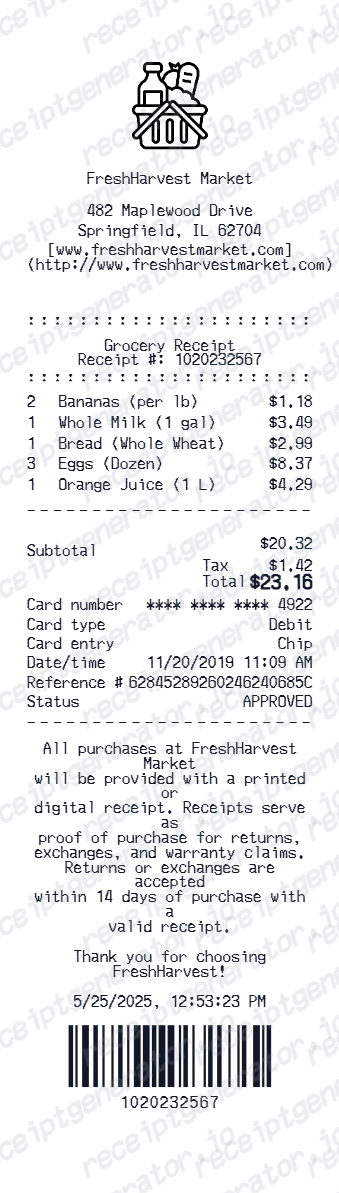
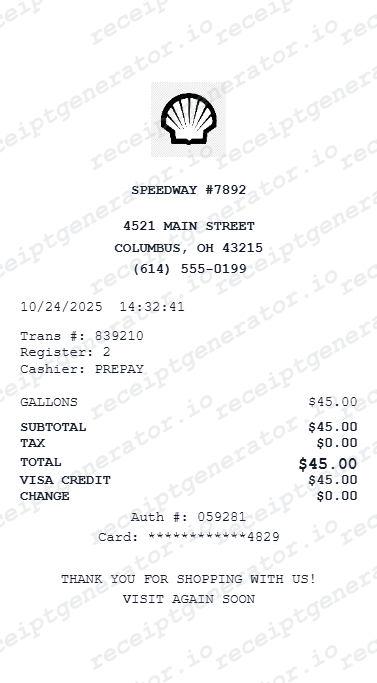
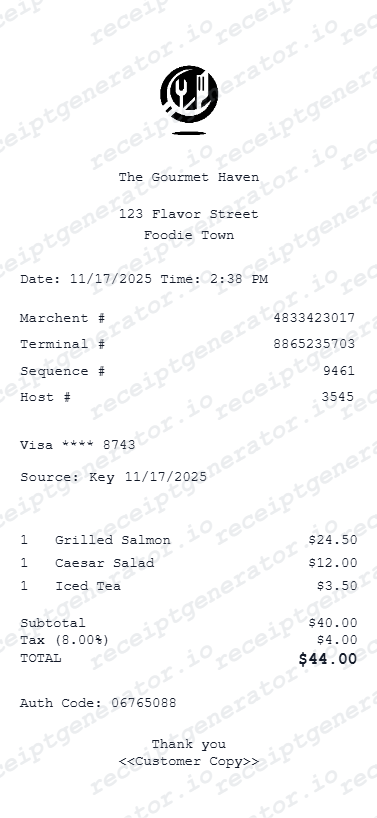
More free receipt templates for service and retail expense records.
Delta Airlines Receipt FAQ
Common questions about creating and downloading a Delta Airlines flight receipt.
Open the Delta Airlines receipt generator, edit the booking reference, passenger info, flight details, fare breakdown, taxes, and payment method, then preview and download as a PDF.
Yes. The fare breakdown section includes rows for base fare, carrier-imposed fees, baggage fees, seat selection, taxes, and final total.
A real Delta receipt shows the confirmation number (record locator), passenger name, SkyMiles number and miles earned if applicable, an itemized fare (base fare, taxes, carrier fees, baggage, seat selection), flight segment details with cabin and fare basis code, the form of payment, and the ticketing date.
Add the store name, purchase date, line items, totals, tax, payment method, and any optional notes you need on your Delta Airlines template.
This tool creates an editable Delta Airlines style layout for documentation. It is not issued by the original merchant or brand system.
Yes. The SkyMiles frequent flyer number is an editable field in the booking info section.
Go to delta.com's Trip Receipts page or open My Trips in the Fly Delta app, switch to past trips, and select the flight to view or share the receipt. Delta also automatically emails a post-flight receipt a few days after travel, and Delta Messenger in the app can help if you can't locate a copy.
Delta issues a booking confirmation right after purchase, a separate e-ticket receipt once the ticket is issued, and a post-flight receipt after travel with final charges - these are three different documents tied to the same confirmation number, not duplicates.
Both. You can use these templates for reimbursements, bookkeeping prep, and internal documentation workflows.
Yes. The generator works on mobile and desktop so you can edit details, preview changes, and export from either device.
Receipt Generator · Receipt Maker · 300+ Free Templates
Create your Delta Airlines receipt
Use the editable Delta Airlines receipt generator to add items, tax totals, and payment details, then export a clean PDF.