United Airlines Receipt Generator
Create a United Airlines electronic ticket receipt with confirmation number, passenger info, flight details, fare breakdown, taxes, and MileagePlus miles earned. Preview live and export a PDF.
Create an editable United Airlines receipt with confirmation number, MileagePlus number, passenger info, flight itinerary, base fare, fees, taxes, and payment summary.

Choose
United Airlines Receipt selected

Customize
Fill in your details

Download
Save or share receipt
Edit the details once and the preview updates instantly.
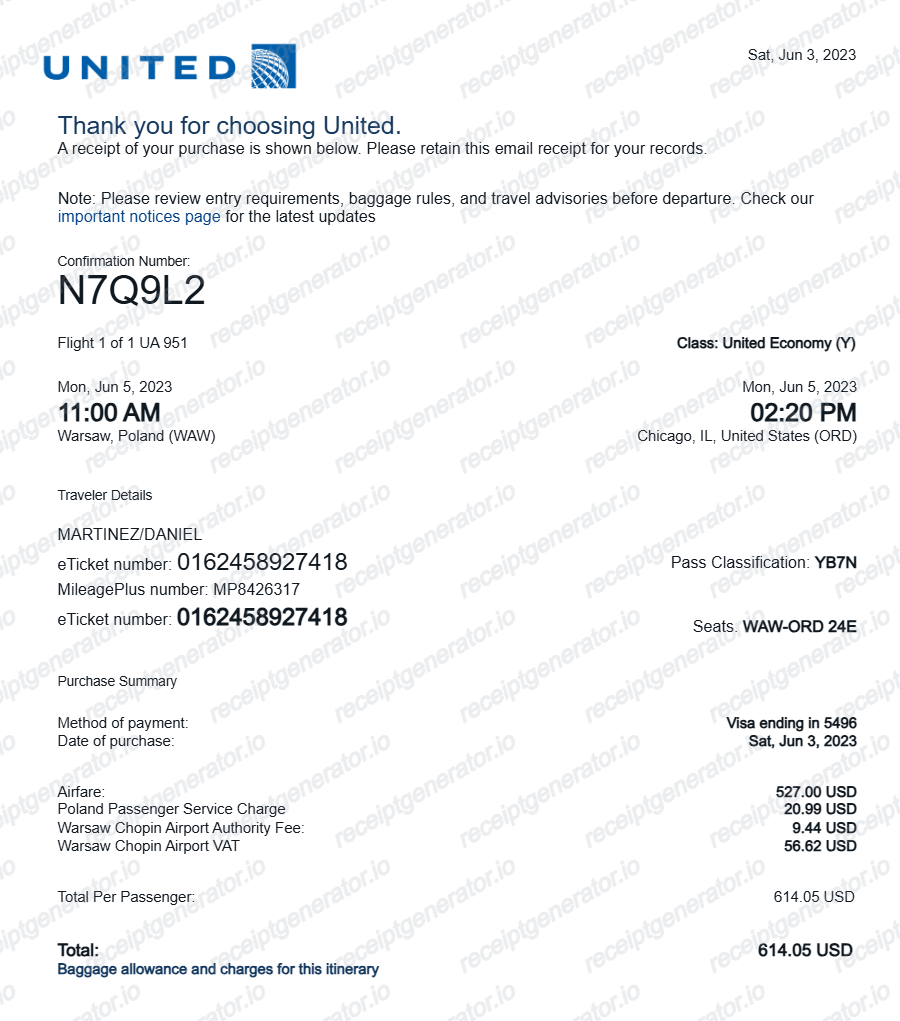
Quick summary
United Airlines receipt template overview
Use this United Airlines receipt generator to create authentic itemized receipts with editable products, tax calculations in $, and printable PDF export.
What Is on a Real United Airlines Receipt?
United's purchase receipt and post-flight trip summary follow a consistent structure built around the confirmation number and MileagePlus account. A credible replacement copy should match that structure field for field.
Six-character confirmation number
United assigns a six-character alphanumeric confirmation number, also called the record locator, to every booking. It appears on the purchase receipt, the e-ticket, and My Trips, and is required to look up the reservation on united.com/en/us/receipts.
MileagePlus number tied to the booking
If a MileagePlus number was entered at booking, it prints on the receipt alongside the passenger name. Attaching the number is what lets United credit redeemable miles and Premier qualifying activity to the account after the flight.
Fare breakdown, not just a total
The receipt separates the base fare from carrier-imposed international surcharges and government taxes and fees, each shown as its own line before the total charged.
Ticket number distinct from the confirmation number
Each passenger gets a 13-digit e-ticket number (United's airline code 016 followed by the ticket digits), separate from the six-character confirmation number. Refund and reissue requests are usually tracked by ticket number.
Miles earned are fare-based, not distance-based
On most fares United credits miles as a percentage of the base fare price, scaled by Premier status, rather than purely miles flown. The post-flight trip summary in the MileagePlus account shows base miles earned plus any status bonus.
Payment method with masked card digits
The receipt lists the card type and last 4 digits used for payment, along with the total amount charged, matching the format used for corporate expense report attachments.
Create a print-ready United Airlines receipt
Edit the layout, watch it update live, then print, download PDF, or email.
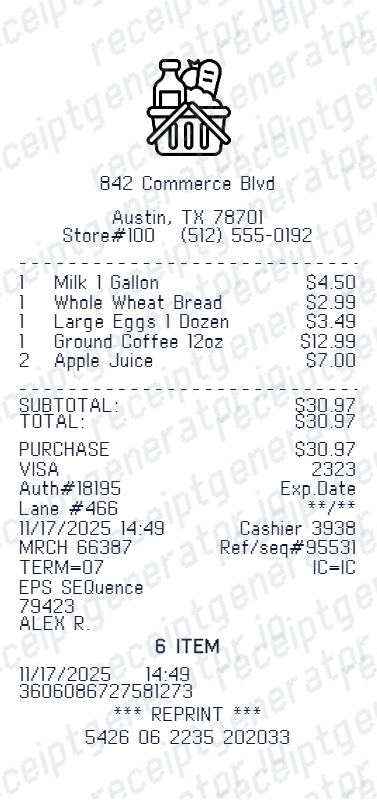
Live United Airlines receipt preview
Watch the United Airlines receipt update in real time as you edit item rows, prices, and tax totals.
Print-ready PDF export
Download a clean, high-resolution United Airlines-style receipt in PDF format for bookkeeping or expense records.
Editable store & register fields
Customise store location, cashier or lane numbers, transaction reference codes, and payment details in $.
Mobile-friendly generator
Create and preview United Airlines receipts instantly on smartphone, tablet, or desktop browser.
Get Your Original United Airlines Receipt First
United emails a purchase receipt at booking, and you can retrieve it later at united.com/en/us/receipts by entering the confirmation number and last name, or by signing in and opening My Trips. MileagePlus members can also review ticket and mileage history from their account. Use this template when the original is unavailable - a deleted email, a booking made by someone else, or a trip from years ago that has aged out of easy lookup.
Expense & reimbursement documentation
Document United Airlines purchases with itemized totals and tax lines for personal budgeting or expense reimbursement.
Lost receipt replacement
Recreate a clean itemized receipt record from transaction details when original thermal till slips are lost or faded.
Warranty & purchase recordkeeping
Maintain verifiable purchase documentation with date, time, and register references for inventory and record tracking.
United Airlines Receipt Formats
Choose the United Airlines receipt format that best matches your documentation and layout needs.
Standard Store Receipt
Standard United Airlines till receipt layout with item lines, subtotals, tax breakdown, and payment confirmation.
Itemized Detailed Receipt
Expanded layout with product SKU codes, quantity unit rates, discounts, and store register metadata.
Digital Order & Invoice
Clean electronic invoice format with customer reference numbers, transaction IDs, and payment method details in $.
Related Guides
Explore related guides to understand the receipt details, lookup steps, and documentation workflows.
Repair Receipt for Insurance Claims
See which service and payment fields make a repair or service record easier to review.
Explore Repair Receipt for Insurance ClaimsRepair Receipt Lookup
Learn where service receipts usually come from before you create a cleaner backup copy.
Explore Repair Receipt LookupRelated Other Receipt Templates
More free receipt templates for service and retail expense records.
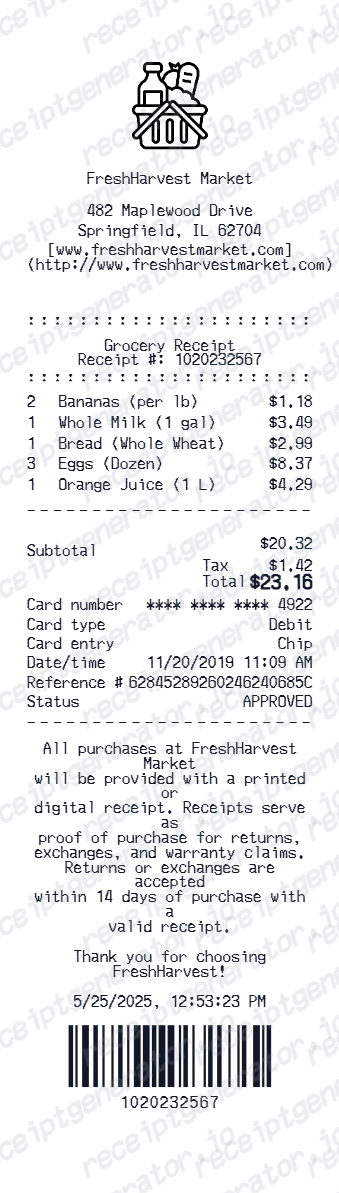
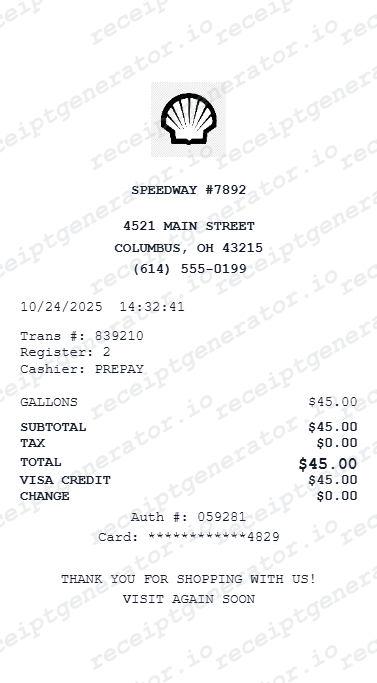
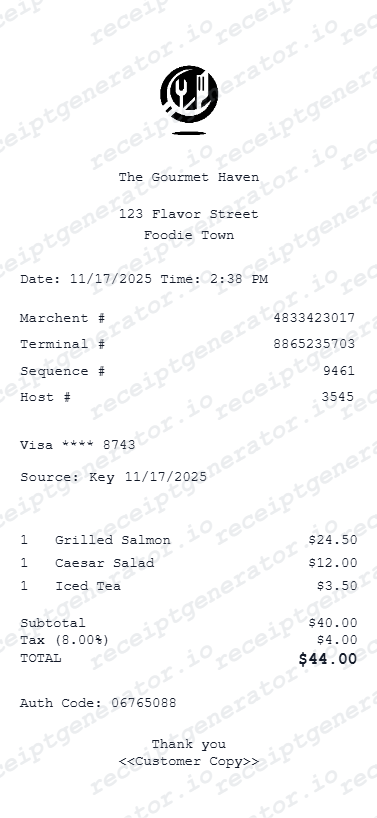
United Airlines Receipt FAQ
Common questions about creating and downloading a United Airlines flight receipt.
Open the United Airlines receipt generator, edit the confirmation number, passenger info, flight details, fare breakdown, taxes, and payment method, then preview and download as a PDF.
Yes. The fare breakdown section includes rows for base fare, carrier fees, baggage, seat selection, taxes, and final total.
A real United e-receipt shows the six-character confirmation number (record locator), passenger name, MileagePlus number if attached, the flight itinerary with flight numbers and cabin, a fare breakdown of base fare, carrier-imposed fees, and government taxes, the ticket number, the payment method with the last 4 card digits, and the total charged.
Add the store name, purchase date, line items, totals, tax, payment method, and any optional notes you need on your United Airlines template.
This tool creates an editable United Airlines style layout for documentation. It is not issued by the original merchant or brand system.
Yes. The MileagePlus frequent flyer number is an editable field in the booking info section.
Go to united.com/en/us/receipts and use the receipt search form with your confirmation number and last name, or sign in and open My Trips to find the reservation. United also emails a purchase receipt at the time of booking, and MileagePlus members can view ticket history from their account for reimbursement or expense records.
United no longer earns miles purely on distance flown on most fares - miles are typically based on the base ticket price (excluding taxes) multiplied by a rate that depends on Premier status and fare class, known as PQP-style earning. The receipt or post-flight trip summary lists base miles, any status bonus, and the total credited to the MileagePlus account.
Both. You can use these templates for reimbursements, bookkeeping prep, and internal documentation workflows.
Yes. The generator works on mobile and desktop so you can edit details, preview changes, and export from either device.
Receipt Generator · Receipt Maker · 300+ Free Templates
Create your United Airlines receipt
Use the editable United Airlines receipt generator to add items, tax totals, and payment details, then export a clean PDF.