Argos Receipt Generator
Create an Argos UK retail receipt with catalogue numbers, collection details, Nectar points, and 20% VAT summary. Export a clean PDF in minutes.
Create an Argos-style receipt with catalogue product codes, home/electronics items, Nectar rewards, 20% VAT breakdown, and payment details. Download a printable PDF.

Choose
Argos Receipt selected

Customize
Fill in your details

Download
Save or share receipt
Edit the details once and the preview updates instantly.
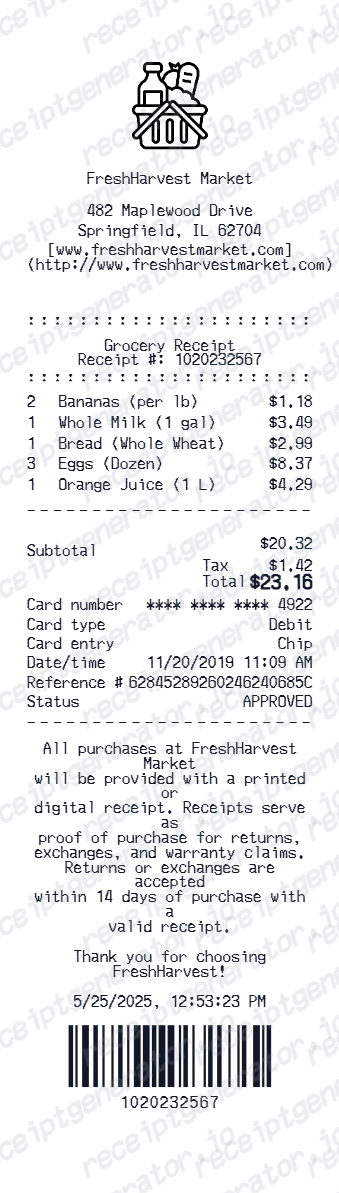
Quick summary
Argos receipt template overview
Use this Argos-style receipt template to build a compact United Kingdom receipt with editable items, catalogue codes, 20% VAT, Nectar points, and barcode.
Why Use This Argos Receipt Template?
This Argos receipt generator recreates a compact United Kingdom retail receipt layout with item rows, a VAT-inclusive total, Nectar, and a scannable barcode area.
Catalogue number on every item line
Argos identifies products by a catalogue number rather than a plain description, a holdover from its printed-catalogue history. The same number is used to search for spare parts and product support after purchase, so it prints on the receipt next to each item.
Order number for Click & Collect
Since Argos operates as a Click & Collect concession inside Sainsbury's stores (Argos is Sainsbury's-owned), the order number - not just the receipt - is what customer service and the collection point use to track and hand over an order.
VAT receipt is separate from the standard receipt
A standard till or email receipt does not always break out VAT in detail. Customers who need a formal VAT receipt for expenses get it by signing into their Argos account, opening Orders, and selecting View Order Details, or by contacting customer service with the order number.
Nectar points shown differently online vs in-store
In-store purchases show Nectar points earned directly on the printed receipt; online orders show the points on the email confirmation instead. Points typically post to the Nectar account within 30 days.
30-day return window with proof of purchase
Argos requires items to be unused, in original packaging, and returned within 30 days with proof of purchase. If Nectar points were used as part of payment, in-store refunds return that portion as an Argos gift card since points cannot be refunded directly at the till.
Barcode and digits for transaction lookup
The receipt barcode encodes the transaction reference used at customer service desks and Sainsbury's collection points to pull up the original order without the paper copy.
Create a print-ready Argos retail receipt
Edit the layout, watch it update live, then print, download PDF, or email.
Live Argos receipt preview
See the Argos receipt update instantly as you edit items, totals, VAT, and messages.
PDF download
Export a clean Argos-style receipt PDF for digital or printed records.
Mobile-friendly editor
Create and edit Argos receipts from desktop, tablet, or phone.
Nectar and VAT support
Customise loyalty text, VAT totals, barcode digits, and footer messaging.
Get Your Original Argos Receipt First
Sign in to your Argos account and open Orders, then select View Order Details to download the VAT receipt directly, or contact customer service with your order number if it is not available online. Use this template when the original is unavailable - a purchase made without an account, a receipt older than the account's order history, or a lost paper copy from a Click & Collect pickup at a Sainsbury's store.
Budget tracking
Keep a clear itemised record of Argos spending.
Lost receipt replacement
Recreate an Argos receipt-style record from your confirmed purchase details.
VAT expense documentation
Prepare a retail receipt record with 20% VAT for business expenses or bookkeeping.
Argos Receipt Formats
Choose the Argos-style format that best matches your recordkeeping needs.
Standard Retail Receipt
An Argos-style till receipt with item rows, catalogue codes, and payment details.
Nectar Loyalty Receipt
An Argos receipt layout with Nectar loyalty points balance and promotional footer messaging.
UK VAT Receipt
An Argos-style receipt configured with GBP currency (£) and a 20% VAT summary for United Kingdom records.
Related Other Receipt Templates
More free receipt templates for United Kingdom retail shopping and retail expense records.
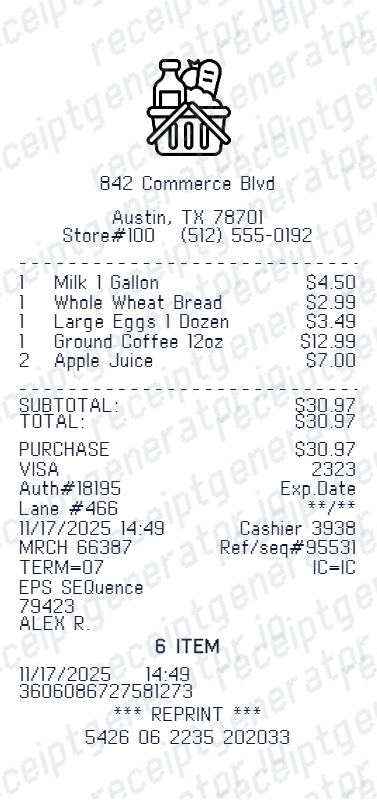
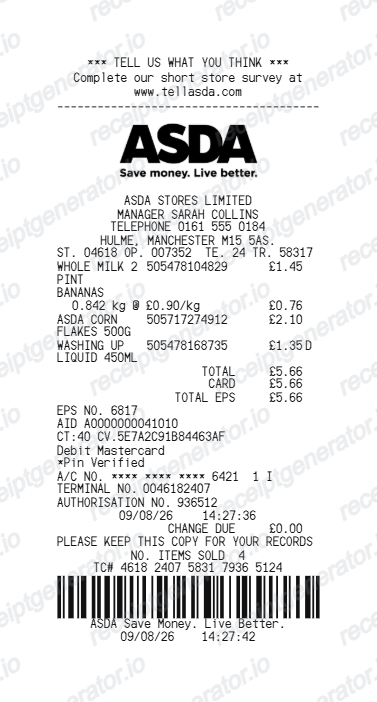
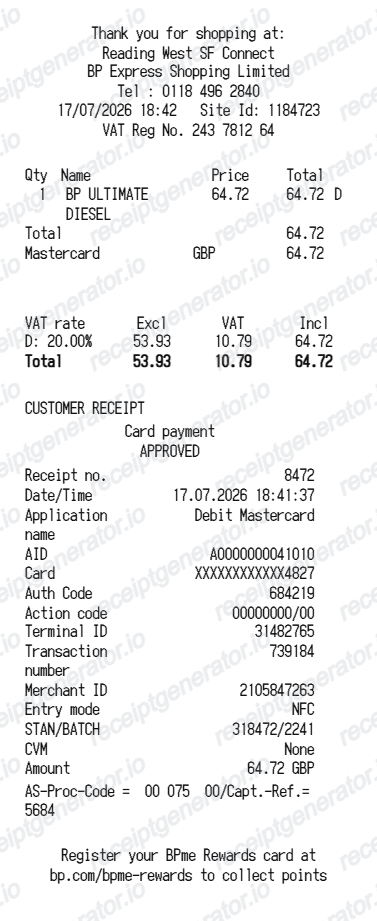
More United Kingdom Receipt Templates
Browse our collection of receipt templates for various purposes.
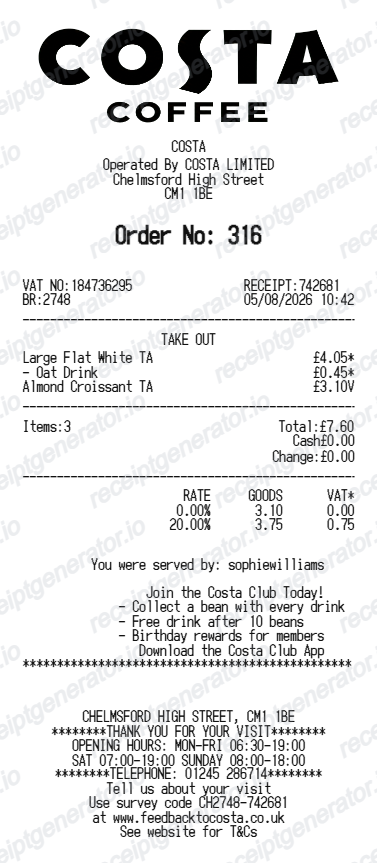
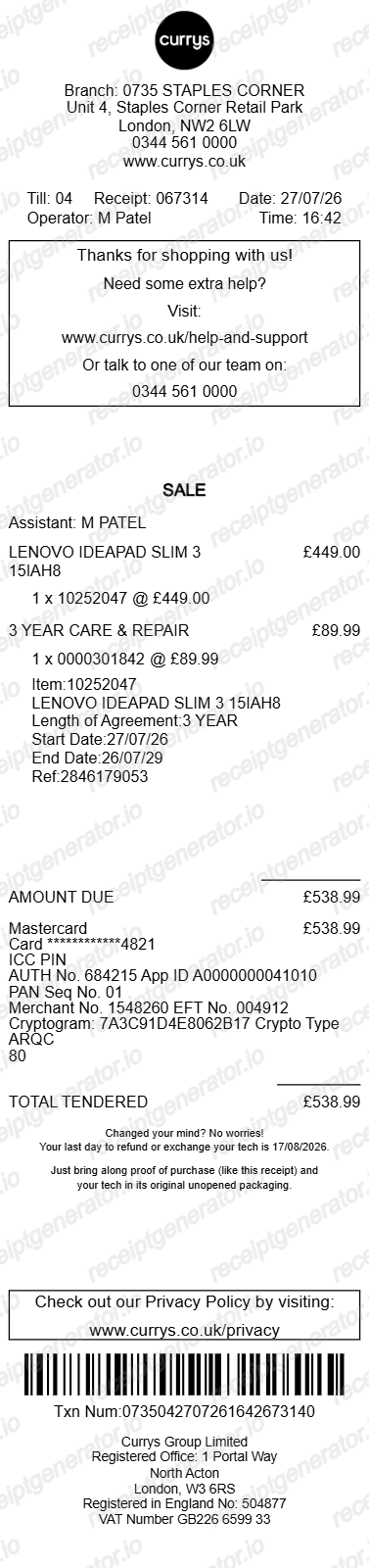
Argos Receipt FAQ
Common questions about creating Argos retail receipts for personal records, budgeting, and VAT documentation in United Kingdom.
Choose the Argos retail template, edit the store or Click & Collect location, add catalogue items and prices, enter the 20% VAT breakdown, and download a print-ready PDF.
Yes. Store location, 7-digit catalogue numbers, Nectar rewards points, collection PIN, barcode digits, and footer text are all editable.
Yes. You can create and preview Argos receipts for free. Watermark-free PDF downloads are available with paid plans.
Sign in to your Argos account, go to Orders, and select View Order Details on the item - most orders have a quick link to download the VAT receipt from there. If you cannot find it, contact Argos customer service with your order number and they can resend the receipt by email.
Yes. A standard receipt or email confirmation does not always itemize VAT the way a formal VAT receipt does. Request one through your Argos account under Orders and View Order Details, or by contacting customer service with your order number - useful for business expense claims.
Yes. The template generates a 20% VAT summary and inclusive total to match United Kingdom retail and electronics receipts.
Yes. The Argos receipt template is configured with the £ symbol and VAT-style United Kingdom receipt details.
Yes. After editing the details, preview and download the Argos-style receipt as a clean PDF for records or budgeting.
A real Argos receipt shows the store or Click & Collect location, the order number, each item with its catalogue number, price, and quantity, Nectar points earned (in-store) or shown on the email confirmation (online), the payment method, and a transaction barcode for customer service lookup.
Add the store name, purchase date, line items, totals, tax, payment method, and any optional notes you need on your Argos template.
Receipt Generator · Receipt Maker · 300+ Free Templates
Create your Argos receipt
Use the editable Argos receipt generator to add items, VAT totals, loyalty text, and barcode details, then export a clean PDF.