B&Q Receipt Generator
Create a B&Q UK home improvement receipt with tools, building supplies, TradePoint/B&Q Club savings, and 20% VAT summary. Export a clean PDF in minutes.
Create a B&Q-style receipt with DIY materials, hardware items, B&Q Club discounts, 20% VAT breakdown, and payment details. Download a printable PDF.

Choose
B&Q Receipt selected

Customize
Fill in your details

Download
Save or share receipt
Edit the details once and the preview updates instantly.
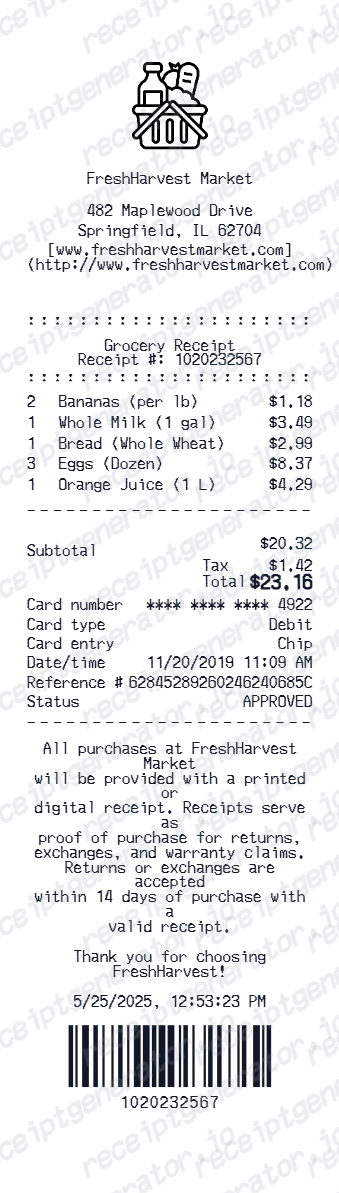
Quick summary
B&Q receipt template overview
Use this B&Q-style receipt template to build a compact United Kingdom receipt with editable DIY materials, TradePoint discounts, 20% VAT, and barcode.
Why Use This B&Q Receipt Template?
This B&Q receipt generator recreates a compact United Kingdom retail receipt layout with item rows, a VAT-inclusive total, B&Q Club, and a scannable barcode area.
B&Q is part of Kingfisher plc
B&Q is owned by Kingfisher, the multinational home improvement group that also owns Castorama and Screwfix, which is why B&Q receipts and its trade program sit under the same corporate VAT and account infrastructure as its sister chains.
VAT receipt available separately on request
A standard till receipt does not always itemize VAT the way a business needs. For a formal VAT invoice, customers or trade account holders can call B&Q's general enquiries line and request one using the receipt or order details.
TradePoint, not a consumer loyalty card
B&Q's trade discount scheme is TradePoint rather than a points-based consumer loyalty program - it applies tiered monthly discounts (5% at £250 spent, 10% at £1,000 spent) directly to trade account purchases rather than accumulating redeemable points.
Trade account with up to 60 days credit
Business customers can open a Trade UK account offering up to 60 days of free credit, online account management, and additional cards for employees - a materially different receipt and invoicing path than a cash retail sale.
90-day return window
B&Q allows returns within 90 days of purchase in original condition, with the receipt, order confirmation, or sales invoice as proof of purchase - a longer window than most UK retailers, though custom-cut items, mixed paint, and perishable goods like plants are excluded.
Barcode and digits for till lookup
Include a barcode block with editable printed digits so the receipt matches the return-lookup format used at B&Q service desks.
Create a print-ready B&Q retail receipt
Edit the layout, watch it update live, then print, download PDF, or email.
Live B&Q receipt preview
See the B&Q receipt update instantly as you edit items, totals, VAT, and messages.
PDF download
Export a clean B&Q-style receipt PDF for digital or printed records.
Mobile-friendly editor
Create and edit B&Q receipts from desktop, tablet, or phone.
B&Q Club and VAT support
Customise loyalty text, VAT totals, barcode digits, and footer messaging.
Get Your Original B&Q Receipt First
For online orders, check your email confirmation or sign in to your diy.com account. For in-store purchases, contact B&Q's general enquiries line with your purchase details - they can look up a recent transaction and issue a VAT receipt on request. Use this template when the original is unavailable - a purchase outside the 90-day return window, a lost paper receipt, or a store that cannot trace the transaction.
Budget tracking
Keep a clear itemised record of B&Q DIY materials, tools, and home renovation spending.
Lost receipt replacement
Recreate a B&Q till slip for 90-day returns or personal bookkeeping from confirmed purchase details.
VAT expense documentation
Prepare a building and trade supplies receipt record with 20% VAT for HMRC contractor expense claims.
B&Q Receipt Formats
Choose the B&Q-style format that best matches your trade, DIY, and expense recordkeeping needs.
Standard Hardware & DIY Till Slip
A B&Q-style receipt with tool and materials rows, store number, and payment details.
TradePoint Account Receipt
A B&Q receipt layout with TradePoint tiered discount lines, member account ID, and barcode.
HMRC-Compliant UK Trade VAT Receipt
A B&Q-style receipt configured with GBP (£) currency, Kingfisher VAT registration number, and 20% VAT breakdown.
Related Other Receipt Templates
More free receipt templates for United Kingdom retail shopping and retail expense records.
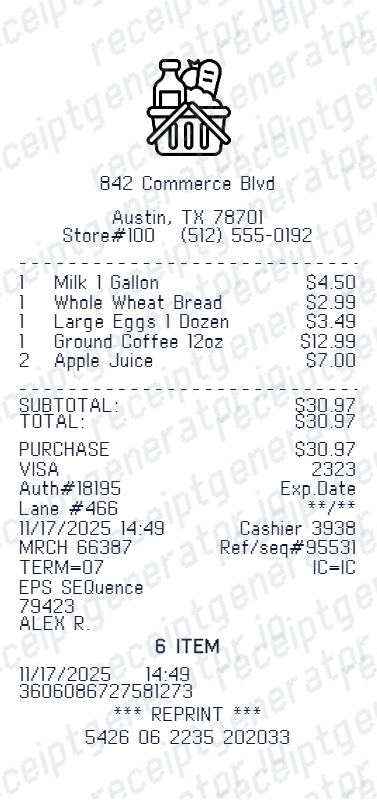
More United Kingdom Receipt Templates
Browse our collection of receipt templates for various purposes.
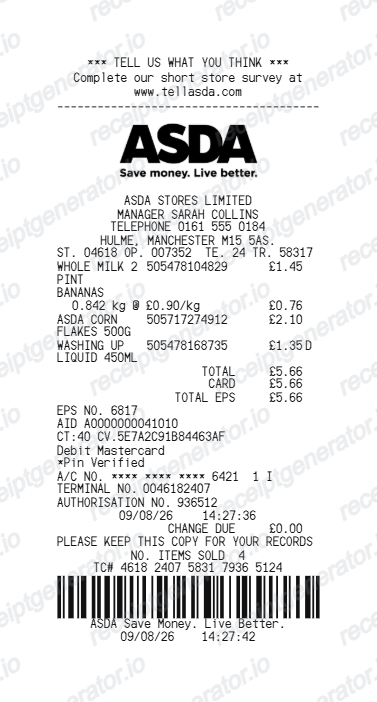
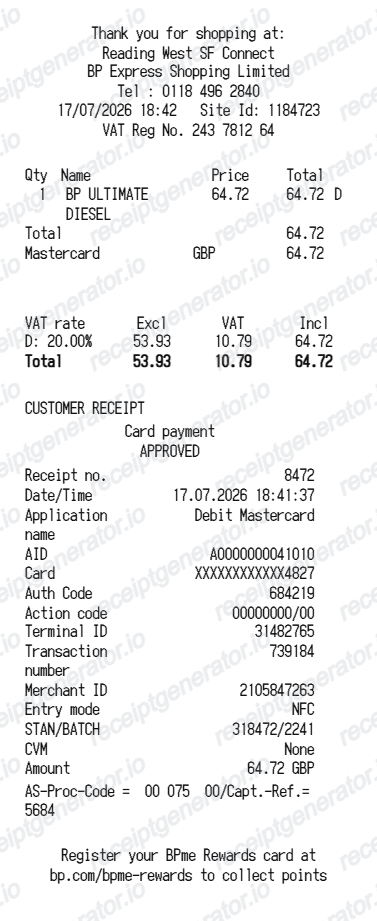
B&Q Receipt FAQ
Common questions about creating B&Q retail receipts for personal records, budgeting, and VAT documentation in United Kingdom.
Choose the B&Q receipt template, edit the store header, add items and prices, set the total and VAT, then download the receipt as a PDF.
Yes. Store name, items, prices, b&q club, barcode digits, and footer text are all editable in the builder.
Yes. You can create and preview B&Q receipts for free. Watermark-free PDF downloads are available with paid plans.
For online orders, check your email for the order confirmation or sign in to your diy.com account. For in-store purchases, contact B&Q's general enquiries line with your purchase details - staff can look up a recent transaction and provide a copy or VAT receipt on request.
It is harder but not always impossible - B&Q accepts a sales invoice or order confirmation email as an alternative to the paper receipt, and store staff may be able to trace a card payment. Without any proof of purchase, a refund can be declined, so keeping the receipt or email confirmation matters within the 90-day window.
Yes. The totals section includes a VAT-inclusive total to match the format on United Kingdom B&Q receipts.
Yes. The B&Q receipt template is configured with the £ symbol and VAT-style United Kingdom receipt details.
Yes. After editing the details, preview and download the B&Q-style receipt as a clean PDF for records or budgeting.
A real B&Q receipt shows the store name and location, the date and time, each item with its price, VAT included in the total (with a separate VAT invoice available on request), the payment method, and a transaction barcode. Trade account purchases show account and discount tier details instead of a simple till total.
Add the store name, purchase date, line items, totals, tax, payment method, and any optional notes you need on your B&Q template.
Receipt Generator · Receipt Maker · 300+ Free Templates
Create your B&Q receipt
Use the editable B&Q receipt generator to add items, VAT totals, loyalty text, and barcode details, then export a clean PDF.