Bolt Receipt Generator
Create a Bolt-style ride receipt with ride ID, driver and vehicle details, pickup and drop, distance, duration, fare breakdown, and payment. Preview live and download a PDF.
Create a Bolt-style ride receipt with ride ID, driver and vehicle, pickup/drop, distance, duration, base/distance/time fare, and total. Download a PDF for expense records.

Choose
Bolt Receipt selected

Customize
Fill in your details

Download
Save or share receipt
Edit the details once and the preview updates instantly.
Quick summary
Bolt receipt template overview
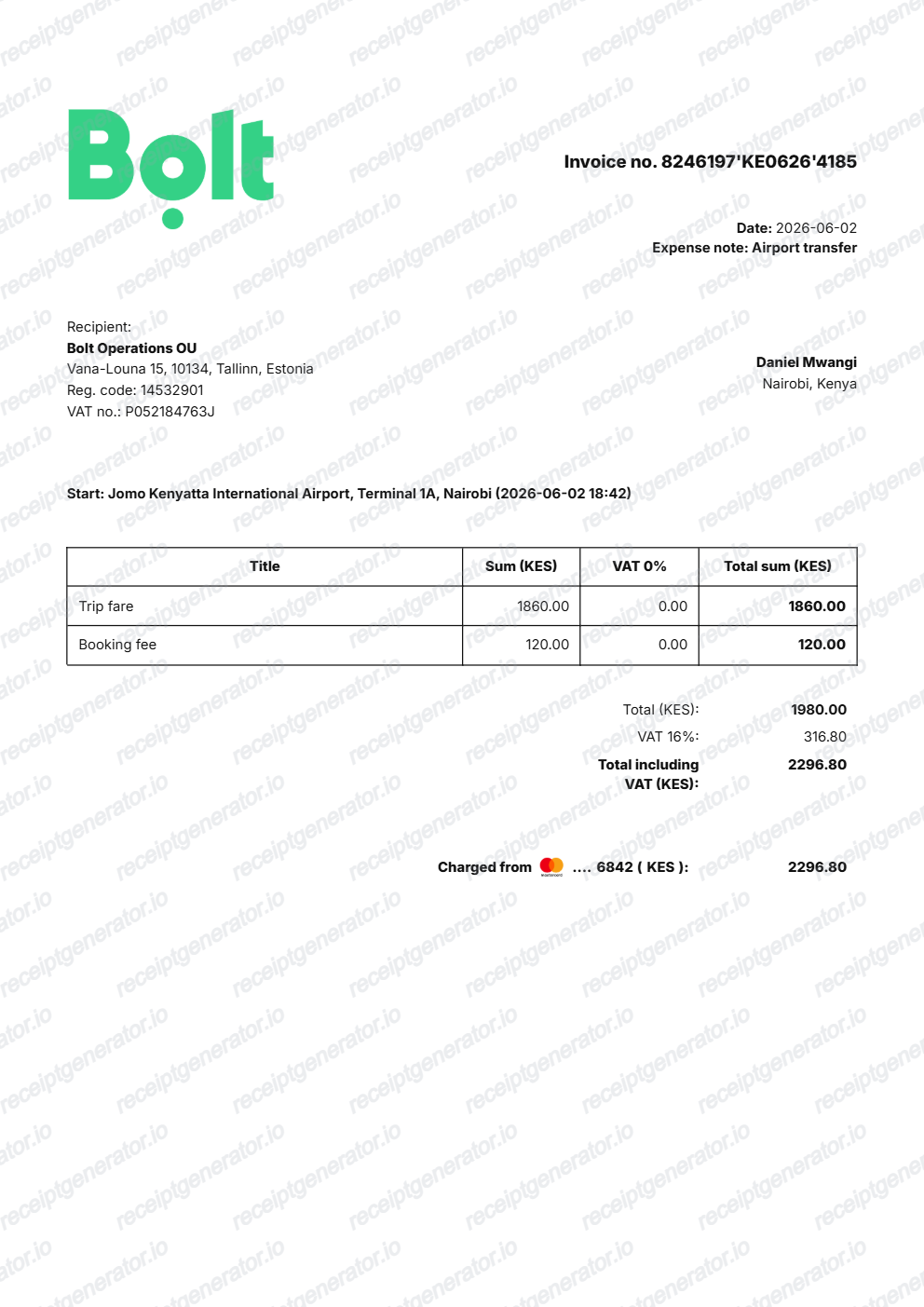
Use this Bolt-style ride receipt template to build an editable trip slip with driver details, routes, fare breakdowns, and Naira totals.
What Is on a Real Bolt Ride Receipt?
Bolt operates in more than 45 countries across Europe and Africa, and it emails a digital ride receipt after every trip with a consistent structure even though tax rules vary by market.
Emailed automatically after every ride
Bolt sends the receipt to the email on file right after the trip ends; riders can also resend or re-download it from the ride history in the app if it goes missing.
VAT-inclusive fare, shown by country
The total fare already includes any applicable VAT, and the rate depends on the country the ride took place in - Bolt operates across dozens of markets with different VAT regimes.
Fare breakdown by component
The receipt itemizes the base fare, distance charge, time charge, and any booking or service fee separately, matching the breakdown riders can preview in-app before confirming the ride.
Work Profile / Fiscal Profile invoices
Riders who set up a Bolt Business Work Profile (or Fiscal Profile, depending on market) before booking get a formal VAT invoice instead of a standard receipt, useful for business expense claims.
Driver, vehicle, and trip ID
Each receipt lists the driver's name, vehicle make/model and plate, pickup and drop-off addresses, trip distance and duration, and a unique trip ID for support lookups.
Create a print-ready Bolt receipt
Edit the layout, watch it update live, then print, download PDF, or email.
Live Bolt receipt preview
See the Bolt ride receipt update instantly as you edit routes, fares, duration, and totals.
PDF download
Export a clean Bolt-style rideshare receipt PDF for travel expense claims or reimbursement.
Mobile-friendly editor
Create and edit Bolt transport receipts from mobile, tablet, or desktop.
Fare breakdown support
Customise base fare, distance/time charges, driver details, payment methods, and Naira totals.
Get Your Original Bolt Receipt First
Bolt emails a receipt after every completed ride, and it also lives in your ride history inside the app under the trip details, where you can resend or re-download it. Business riders using a Work Profile can find VAT invoices in their Bolt for Business account. Use this template when the original receipt truly cannot be recovered.
Business travel reimbursement
Document corporate commute, airport trips, and client visit rides with itemised fare components.
Lost email receipt replacement
Recreate a ride receipt from trip history details when the automated email confirmation is deleted.
Tax and travel bookkeeping
Organise monthly transportation expenses for freelance and consulting business tax filings.
Bolt Receipt Formats
Choose the Bolt format that matches your rideshare trip, airport transfer, or corporate travel expense needs.
Standard Rider Trip Receipt
A Bolt receipt with driver info, vehicle plate, pickup/drop-off route, distance, and total fare in Naira.
Bolt Business Work Profile Invoice
A formal business trip invoice showing corporate profile details, journey timestamps, and tax breakdown.
Airport & Outstation Travel Slip
A long-distance transport receipt with toll charges, waiting time, and payment method details.
Related Guides
Explore related guides to understand the receipt details, lookup steps, and documentation workflows.
Uber Receipt for Reimbursement
Learn which trip details finance teams usually need from a rideshare receipt.
Explore Uber Receipt for ReimbursementLyft Receipt for Reimbursement
See how rideshare receipts are typically reviewed for travel and client-billing records.
Explore Lyft Receipt for ReimbursementTaxi Receipt Generator Guide
Explore the difference between taxi, rideshare, and airport-transfer receipt records.
Explore Taxi Receipt Generator GuideRelated Other Receipt Templates
More free receipt and invoice templates for Nigerian telecoms, mobile money, and retail records.
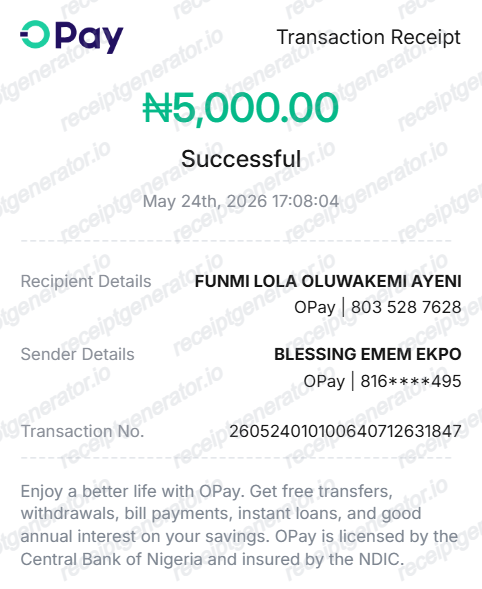
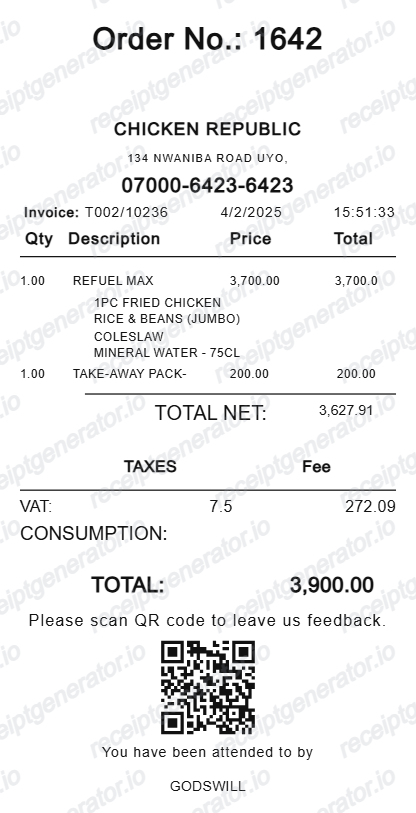
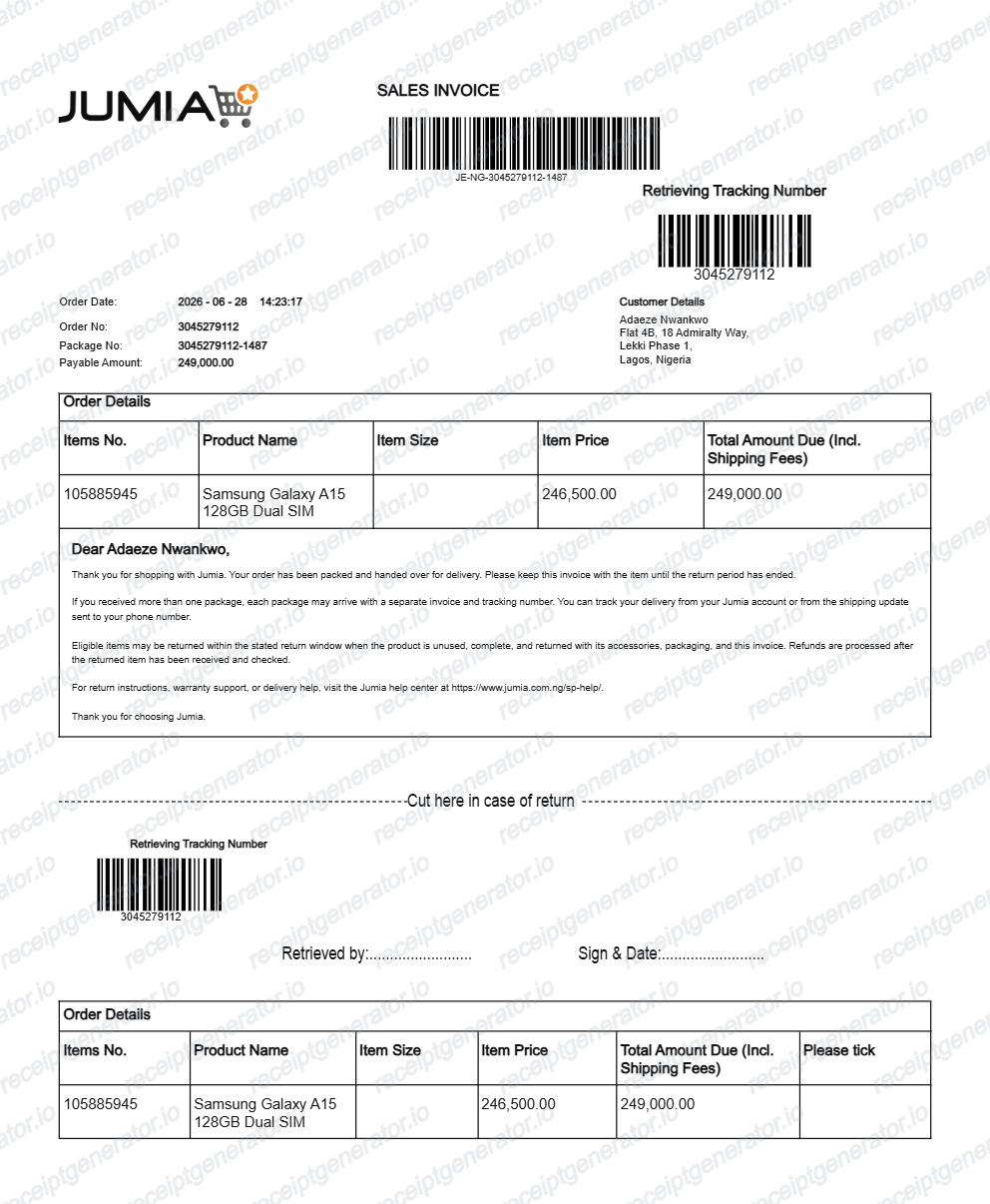
More Nigeria Receipt Templates
Browse our collection of receipt templates for various purposes.
Bolt FAQ
Common questions about creating and downloading a Bolt-style ride receipt.
Open the Bolt generator, edit the details, line items, charges, taxes, and total, then preview and download as a PDF.
Bolt emails a receipt automatically after every trip. If you can't find it, open the app, go to your ride history, select the trip, and use the resend or download receipt option to get it again.
Yes. Set up a Bolt Business Work Profile (or Fiscal Profile, depending on your market) and select it before booking. Rides taken under that profile generate a formal VAT invoice suitable for business expense claims, rather than the standard rider receipt.
Both. You can use these templates for reimbursements, bookkeeping prep, and internal documentation workflows.
Yes. The generator works on mobile and desktop so you can edit details, preview changes, and export from either device.
Yes. Every field — line items, charges, taxes, and totals — is editable so the document matches your order.
A real Bolt receipt shows the trip ID, driver name and vehicle details, pickup and drop-off addresses, distance and duration, a fare breakdown (base, distance, time, and any fees), the VAT-inclusive total for the country the ride took place in, and the payment method.
Add the store name, purchase date, line items, totals, tax, payment method, and any optional notes you need on your Bolt template.
This tool creates an editable Bolt style layout for documentation. It is not issued by the original merchant or brand system.
Free previews may include limited export options depending on your plan. Check pricing for watermark-free and premium export access.
Receipt Generator · Receipt Maker · 300+ Free Templates
Create your Bolt receipt
Use the editable Bolt receipt generator to add pickup and drop-off locations, driver details, fare breakdowns, and totals, then export a clean PDF.