Konga Invoice Generator
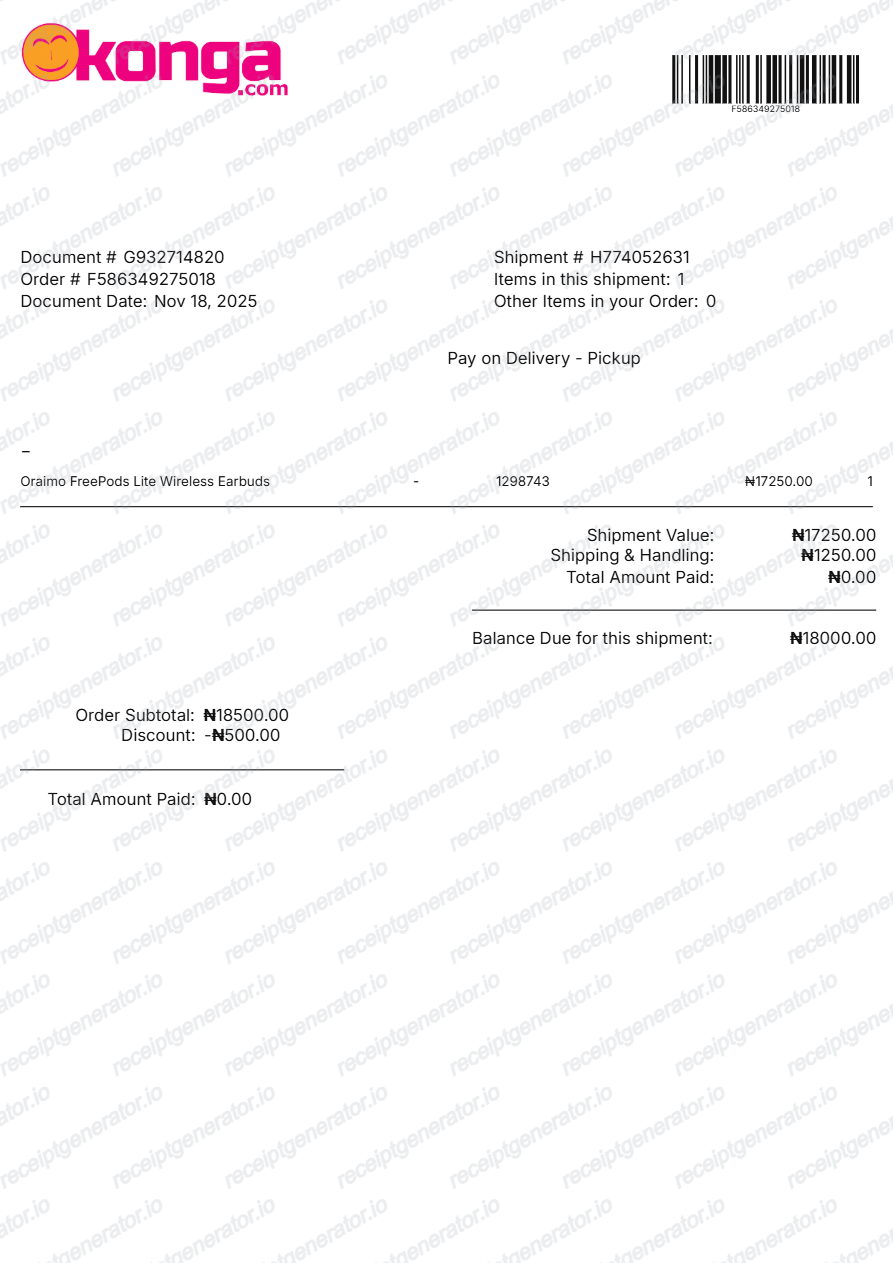
Create a Konga-style shipment invoice with editable document details, order number, shipment number, item row, pickup status, barcode, shipment value, shipping charge, discount, paid amount, and balance due in Naira.
Create a Konga-style shipment invoice with document details, order metadata, item details, barcode, shipping adjustments, and balance due. Preview live and download a print-ready PDF.

Choose
Konga Invoice selected

Customize
Fill in your details

Download
Save or share receipt
Edit the details once and the preview updates instantly.
Quick summary
Konga invoice template overview
Use this Konga-style shipment invoice template to build an order invoice with editable shipment details, item rows, barcodes, discounts, and Naira totals.
What Is on a Real Konga Invoice?
Before you rebuild a Konga invoice, it helps to know how Konga documents an order. Konga invoices are issued per shipment, and a credible replacement copy should match that structure field for field.
Document number plus order number
A Konga shipment invoice carries its own document number and document date in addition to the order number, so one order that ships in multiple parcels can produce more than one invoice document.
Shipment details, not just order details
The invoice records the shipment number, the number of items in that shipment, and the pickup or delivery status - Konga invoices at the shipment level, which is why these fields sit alongside the order metadata.
Barcode referencing the shipment
A scannable barcode on the invoice references the shipment so it can be verified at delivery or at a pickup location without keying numbers manually.
Paid amount and balance due lines
The totals section separates shipment value, shipping and handling, discount, the amount already paid, and the balance due - pay-on-delivery orders show the outstanding balance the customer settles at handover.
KongaPay escrow payment trail
Orders paid with KongaPay are held in escrow until the transaction is satisfactorily completed, with buyer protection refunds if the order does not arrive or is substantially different - so a KongaPay order's invoice reflects full prepayment.
Order confirmation by SMS and email
Konga confirms every order by both SMS and email, and the invoice itself is viewable and printable from My Orders in the account - Konga states the price shown is final, with no extra taxes or hidden dispatch charges added.
Create a print-ready Konga invoice
Edit the layout, watch it update live, then print, download PDF, or email.
Live Konga invoice preview
See the Konga shipment invoice update instantly as you edit items, order numbers, shipping fees, and totals.
PDF download
Export a clean Konga-style shipment invoice PDF for warranty claims or business expense records.
Mobile-friendly editor
Create and edit Konga shipment and order invoices from mobile, tablet, or desktop.
KongaPay & barcode support
Customise document numbers, shipment tracking barcodes, paid amounts, balance due, and Naira totals.
Get Your Original Konga Invoice First
Sign in to konga.com or the Konga app, open My Orders, select the order, and view or print its invoice - the SMS and email confirmations sent at checkout also carry the order number. Use this template when the original is unavailable - a closed account, a purged confirmation email, or an order placed by someone else.
Corporate procurement reimbursement
Document purchased office equipment, gadgets, and supplies with Konga order metadata and shipment values.
Warranty & returns proof
Keep verifiable shipment numbers, item codes, and barcodes for warranty service or returns.
Lost shipment invoice replacement
Reconstruct a clean shipment invoice when the physical packaging slip or order email is misplaced.
Konga Invoice Formats
Choose the Konga format that matches your shipment, prepaid order, or pay-on-delivery documentation needs.
Shipment & Delivery Invoice
A Konga shipment invoice with document number, shipment ID, barcode, shipping charges, and pickup status.
KongaPay Prepaid Order Invoice
A Konga order invoice reflecting full payment through KongaPay escrow with buyer protection verification.
Pay-on-Delivery Balance Due Slip
A Konga delivery invoice showing shipment value, initial deposit, and remaining balance due upon handover.
Related Guides
Explore related guides to understand the receipt details, lookup steps, and documentation workflows.
Related Other Receipt Templates
More free receipt and invoice templates for Nigerian telecoms, mobile money, and retail records.
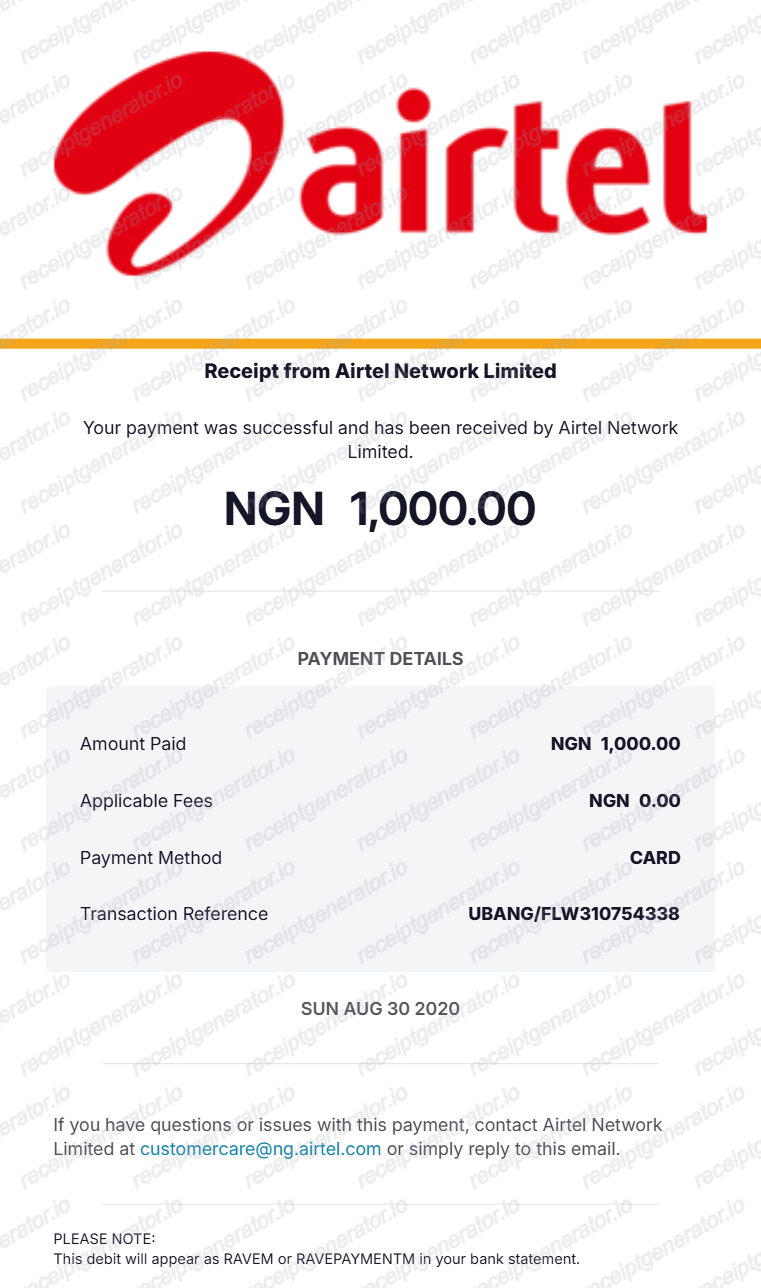
More Nigeria Receipt Templates
Browse our collection of receipt templates for various purposes.
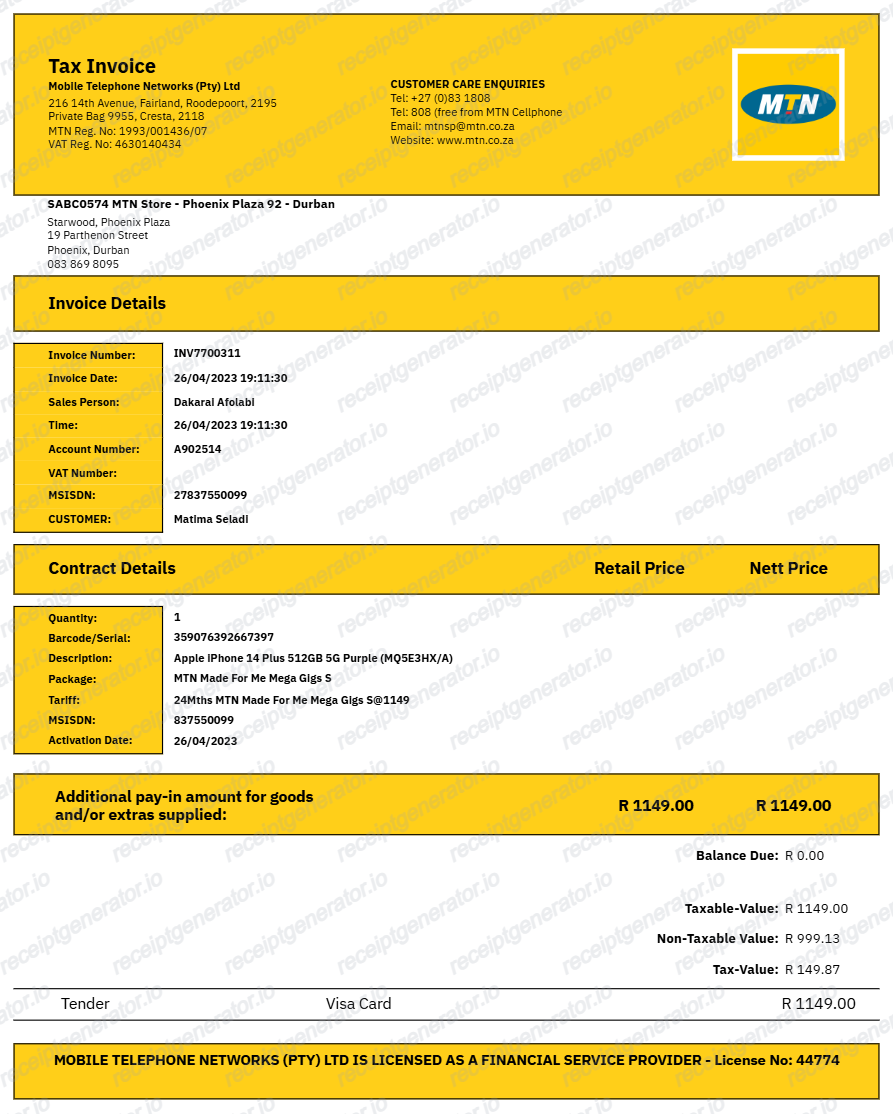
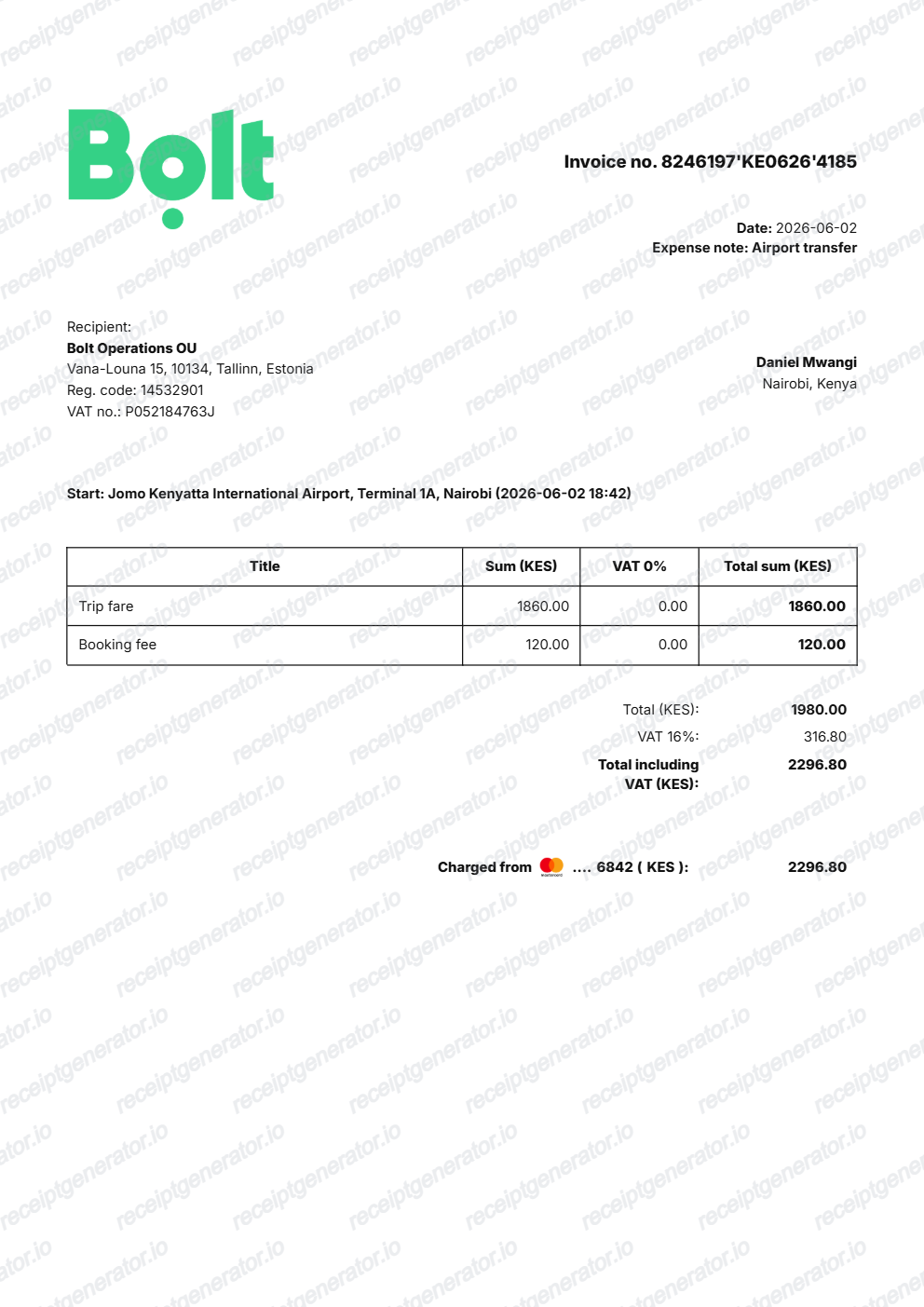
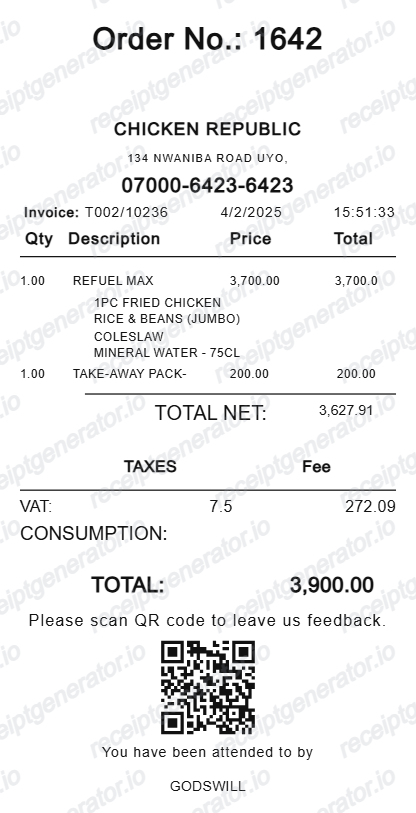
Konga Invoice FAQ
Common questions about creating a Konga-style shipment invoice.
Open the Konga invoice generator, edit the document details, shipment details, item row, barcode, adjustments, and totals, then preview and download the PDF.
Yes. The generator includes editable logo controls and barcode fields so the invoice can match your order document.
Konga issues a shipment invoice that carries its own document number and date alongside the order number, plus shipment details - the shipment number, item count, and pickup or delivery status. Below that sit the item description with product code and quantity, the shipment value, shipping and handling, any discount, the amount already paid, and the balance due, with a barcode that references the shipment for scanning at handover.
Add the store name, purchase date, line items, totals, tax, payment method, and any optional notes you need on your Konga Invoice Generator template.
This tool creates an editable Konga Invoice Generator style layout for documentation. It is not issued by the original merchant or brand system.
Yes. Shipment value, shipping and handling, discount, total paid, and balance due are editable and recalculated from the invoice fields.
Sign in to your Konga account and open My Orders - you can view past and existing orders there and view or print the invoice for any order. Konga also sends an order confirmation by both SMS and email when the order is placed, so the order number is searchable in your inbox even if you no longer use the account.
Because payment and delivery are separate steps. Orders paid upfront with KongaPay show the full amount as paid - KongaPay holds the money in escrow until the order is satisfactorily completed, with buyer protection refunds if it never arrives. Pay-on-delivery orders show the outstanding amount as balance due, which is what the customer settles when the shipment is handed over.
Both. You can use these templates for reimbursements, bookkeeping prep, and internal documentation workflows.
Yes. The generator works on mobile and desktop so you can edit details, preview changes, and export from either device.
Receipt Generator · Receipt Maker · 300+ Free Templates
Create your Konga invoice
Use the editable Konga invoice generator to add document numbers, shipment metadata, barcodes, and totals, then export a clean PDF.